Make more money from your campaigns and flows.
Send a full campaign calendar, strengthen your strategy, and test your flows more often. Kicksend helps your team plan, design, and schedule in Klaviyo—without the hefty agency retainer.




Campaigns
Always send a full calendar. Stop leaving revenue on the table.
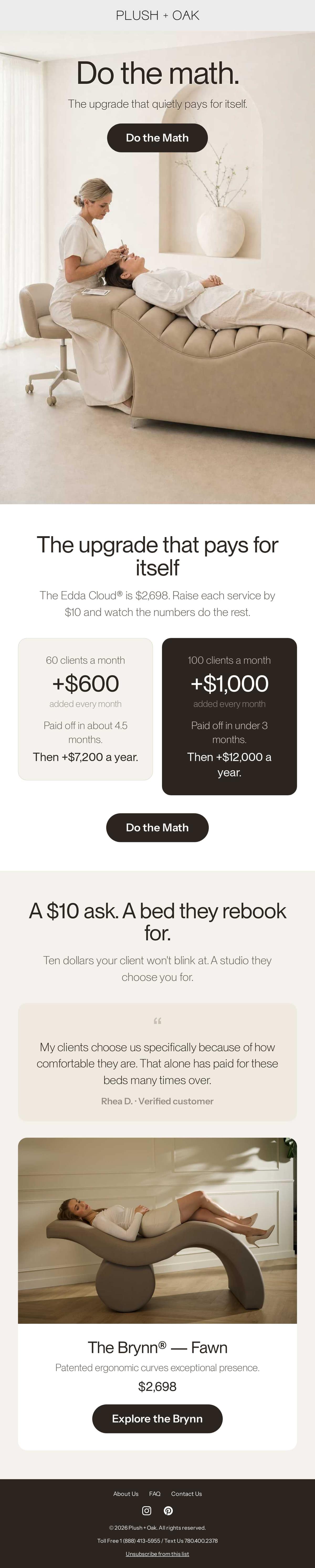
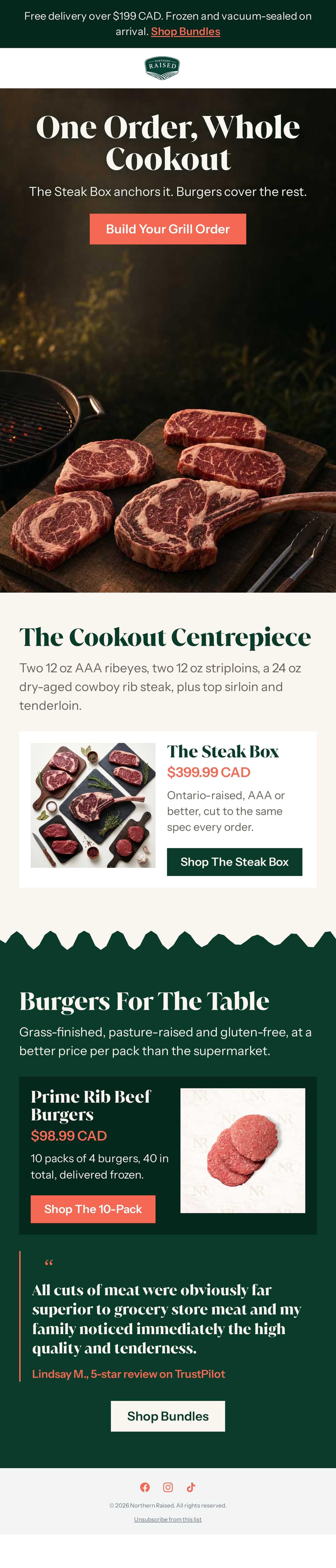
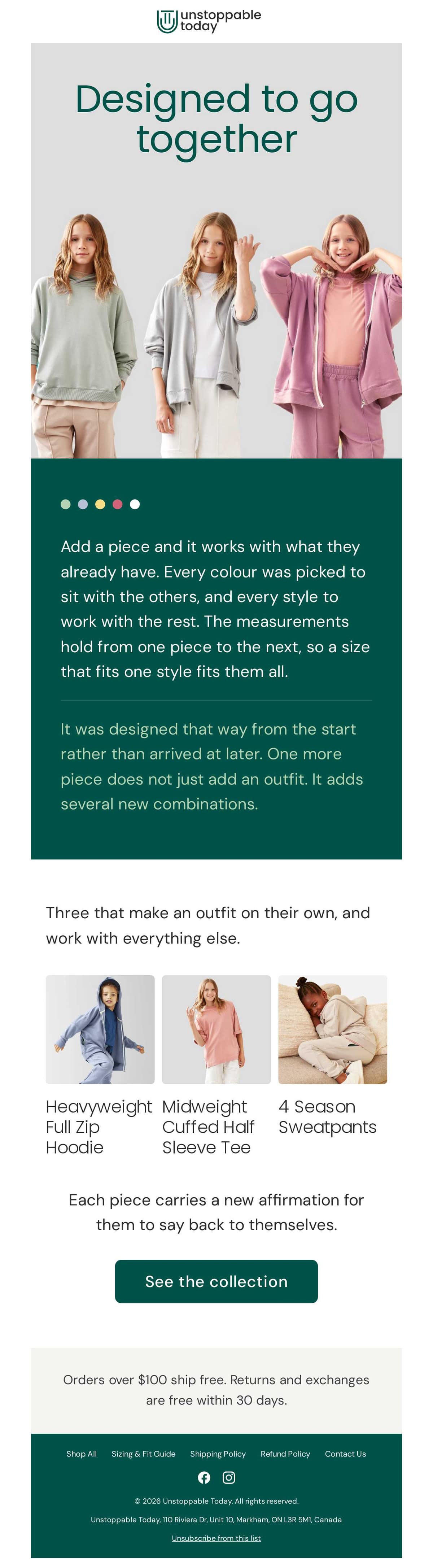
Stop guessing what to send next. Kicksend builds a revenue-focused campaign strategy around your products, customers, and store data, then turns it into beautiful, ready-to-send emails.
Your next 7 days, strategically planned
The next seven days
—
—

—
—
—
—

—
—

A strategy built to drive revenue
Every campaign is thoughtfully planned around your products, customers, and sales opportunities.
Every email has a purpose
Go beyond generic promotions with the right mix of campaigns to engage customers and drive purchases.
Expert-level execution, without the agency
Turn your strategy into beautifully designed, on-brand emails, ready to send through Klaviyo.
Flows
Give your flows more chances to perform better.
Strengthen the strategy behind each message and make room to test more ideas. Create and revise strategy, copy, and designs, then configure triggers, delays, and branches in Klaviyo.
Explore the process
Start from a playbook or your own plan.
Editor
Show it what you mean. Tell it what to change.
Attach a visual reference, explore a different layout, or ask for sharper copy. Develop the design you want without starting over.
Explore the editor
Describe the change. Kicksend updates the email.
Design System
Keep your brand consistent. Reuse your best sections.
Build with your brand’s fonts, colors, and buttons, then reuse your best sections without rebuilding every email.
Explore the solutions
Fonts, colors, and buttons for every email.
Knowledge Base
Give every email the context behind your brand.
Add brand-specific instructions, preferences, documentation, and reviews so Kicksend can draw on them as you plan and design.
- Brand instructions and memory
- Brand books and voice guides
- Customer reviews via CSV
- Update in Kicksend, Claude, or ChatGPT
Claude and ChatGPT
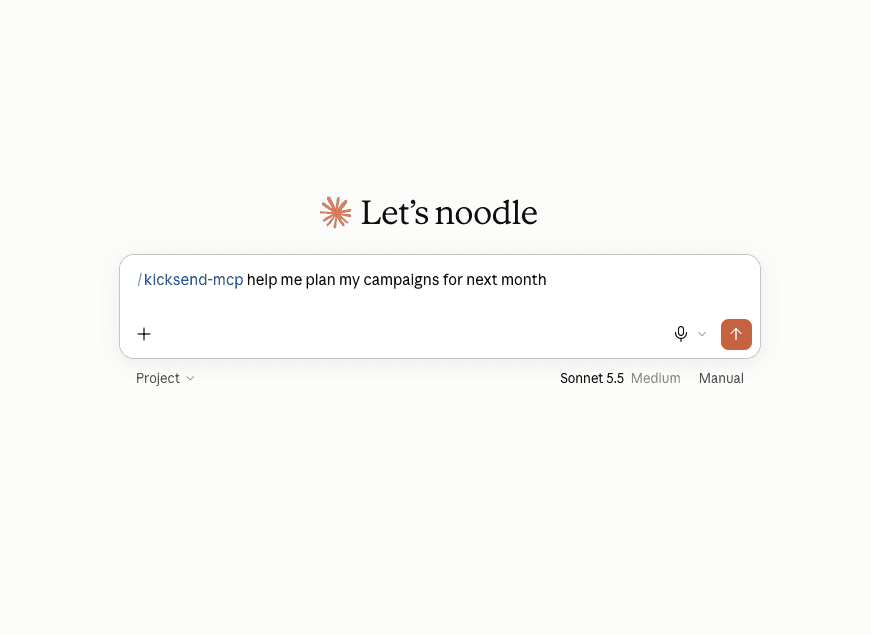
Use Kicksend from the assistant where you already work.
Create campaigns, build flows, generate designs, and make edits from Claude or ChatGPT. Connect through MCP and upload the skill file we provide.
Integrations
Connect the tools that power your store.
Bring your Shopify data into Kicksend, then publish and send through Klaviyo.

Shopify
Sync your products, collections, images, links, and inventory so Kicksend can create campaigns with the latest context from your store.

Klaviyo
Use your Klaviyo lists and segments, then schedule campaigns and publish flows from Kicksend.
Compare
Compare your path from idea to live campaign or flow.
A first draft is only the beginning. See what it takes to strategize, design, collaborate, and prepare the work for Klaviyo.
Scroll sideways to compare. Row labels stay in place.
| Feature |  |   Claude & ChatGPT + Klaviyo MCPClaude + ChatGPT | Composer |
|---|---|---|---|
| Workflow & conversion strategy | |||
| Creates campaign calendars and strategy briefs | Available | Available | Available |
| Runs an agency-built workflow from strategy through Klaviyo production, without prompting each task | Available | Not included | Not included |
| Generates strategy using Klaviyo Platinum Partner agency playbooks and your Shopify/Klaviyo data | Available | Not included | Not included |
| Applies insights from thousands of A/B tests to copy, merchandising, CTAs, and layouts | Available | Not included | Not included |
| Design & brand consistency | |||
| Saves brand voice, product knowledge, and creative preferences | Available | Available | Available |
| Generates emails from an approved e-commerce design system without repeatedly describing layouts | Available | Not included | Not included |
| Incorporates AI-generated imagery featuring your products by default | Available | Not included | Not included |
| Automatically slices finished designs into linked images to preserve layouts | Available | Not included | Not included |
| Automatically adds alt text to every exported image slice | Available | Not included | Not included |
Check means available in the stated setup. Cross means the specific built-in workflow or service is not included; custom prompting, configuration, integrations, or separate services may add it. Shared capabilities are limited to three representative rows.
Get more from your campaigns and flows.
Send more consistently, sharpen your strategy, and make room for more flow testing with Kicksend.